Day or dusk? The same camera, side by side
Day shows the building. Dusk sells the mood. Below are six models, each rendered both ways from the same Blender camera, so you can compare what changes and what doesn't.
All twelve are AI concept images, unretouched. The model is on the left of each row.
Exteriors
A-frame cabin
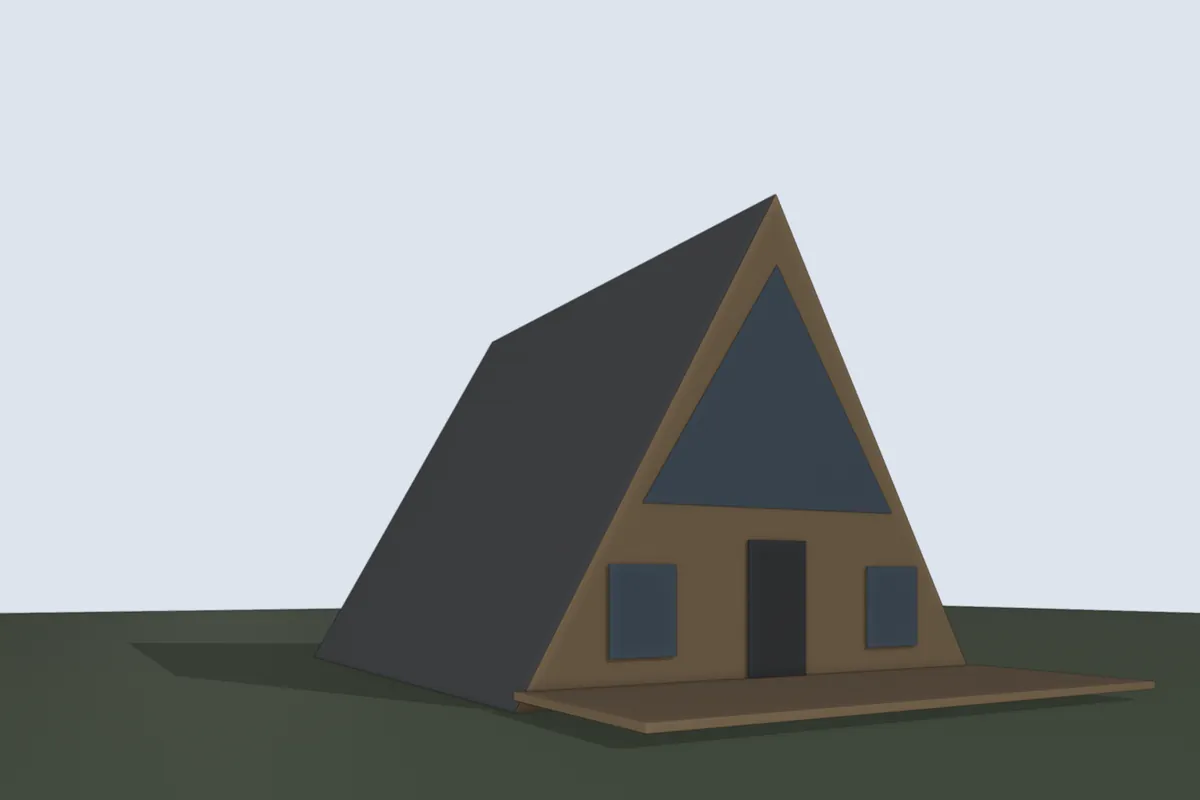
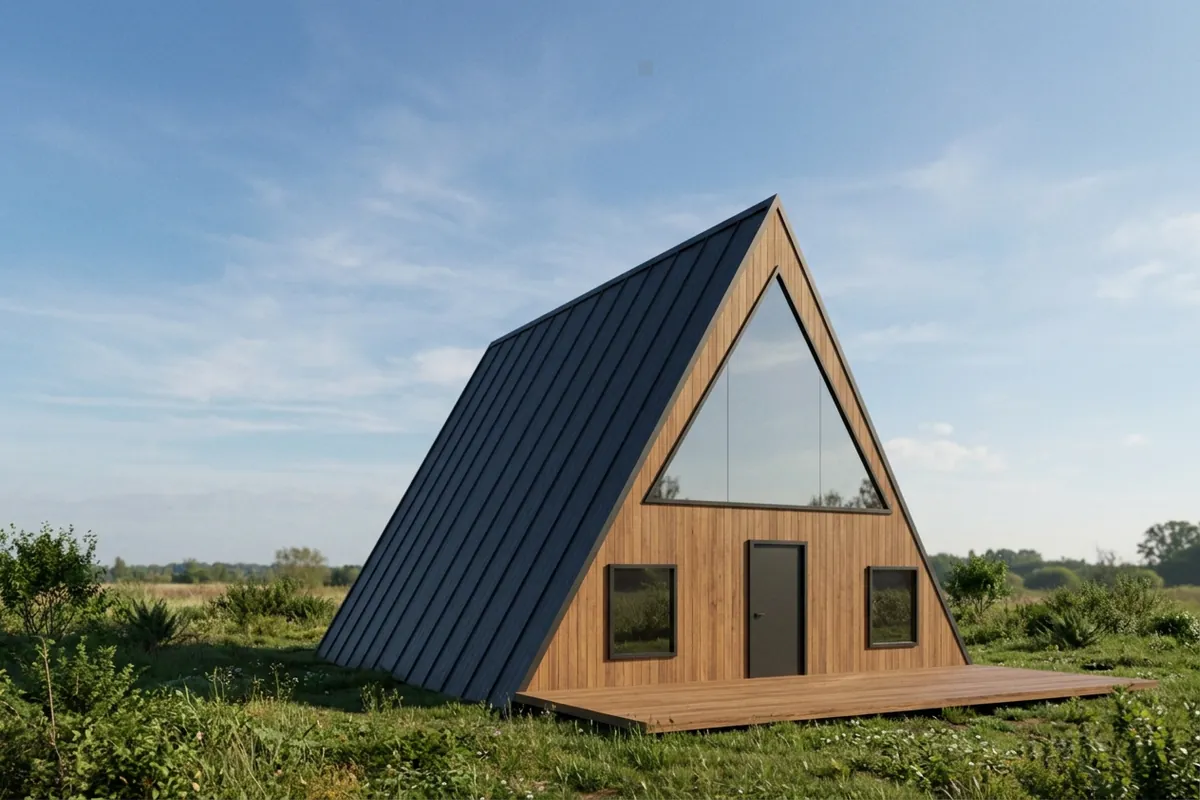
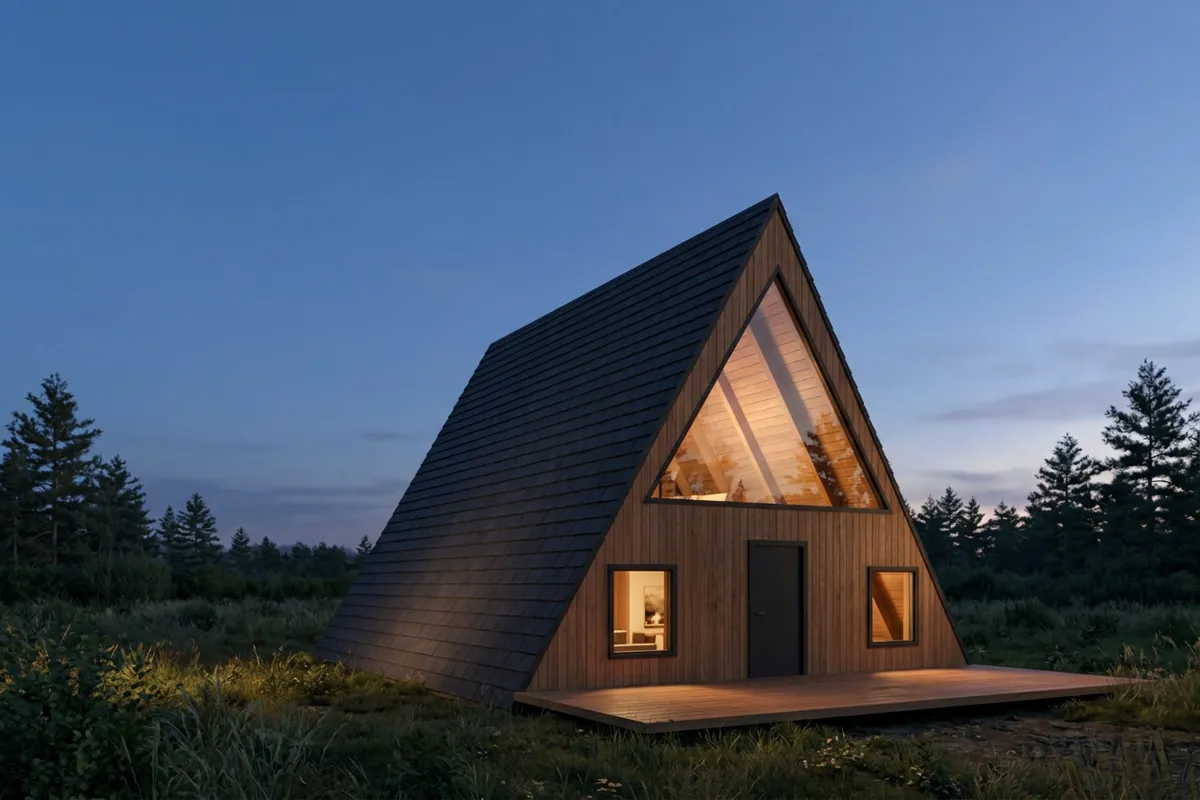
The glazed gable is the design. At dusk the lit interior makes it the focal point, which a day image can't do.
Cube house
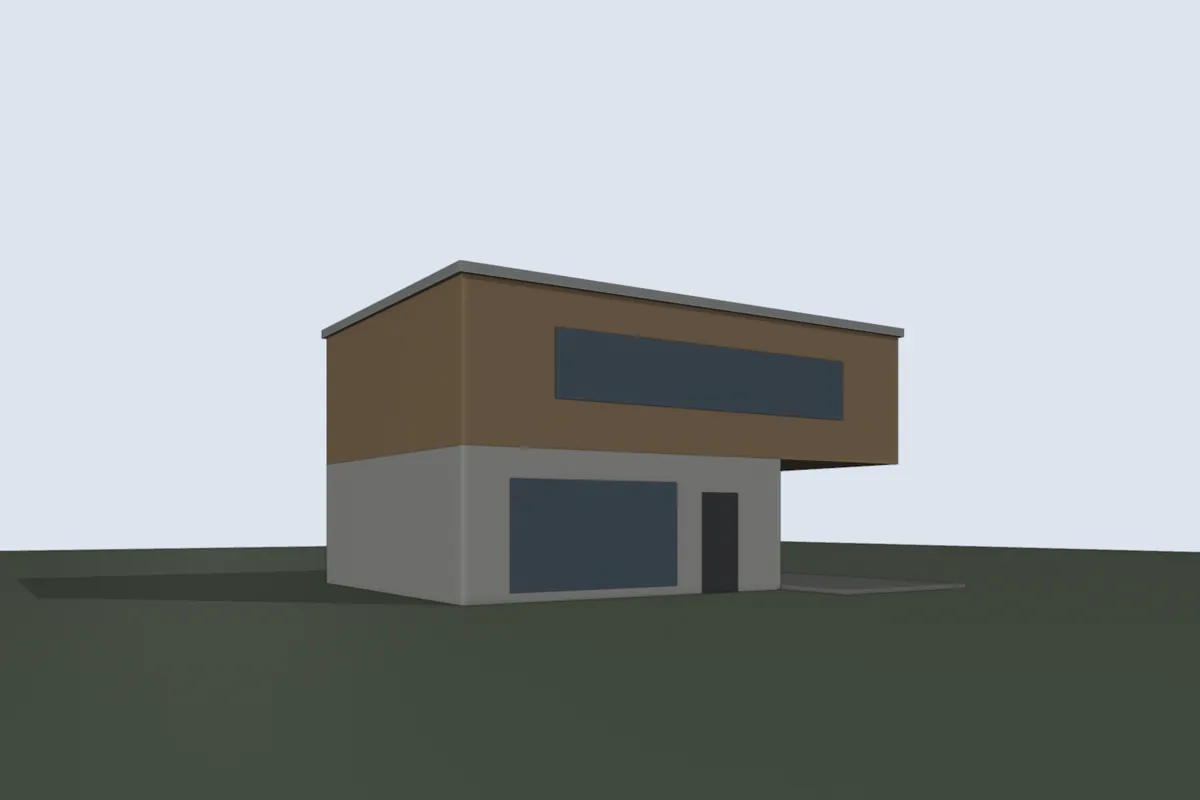
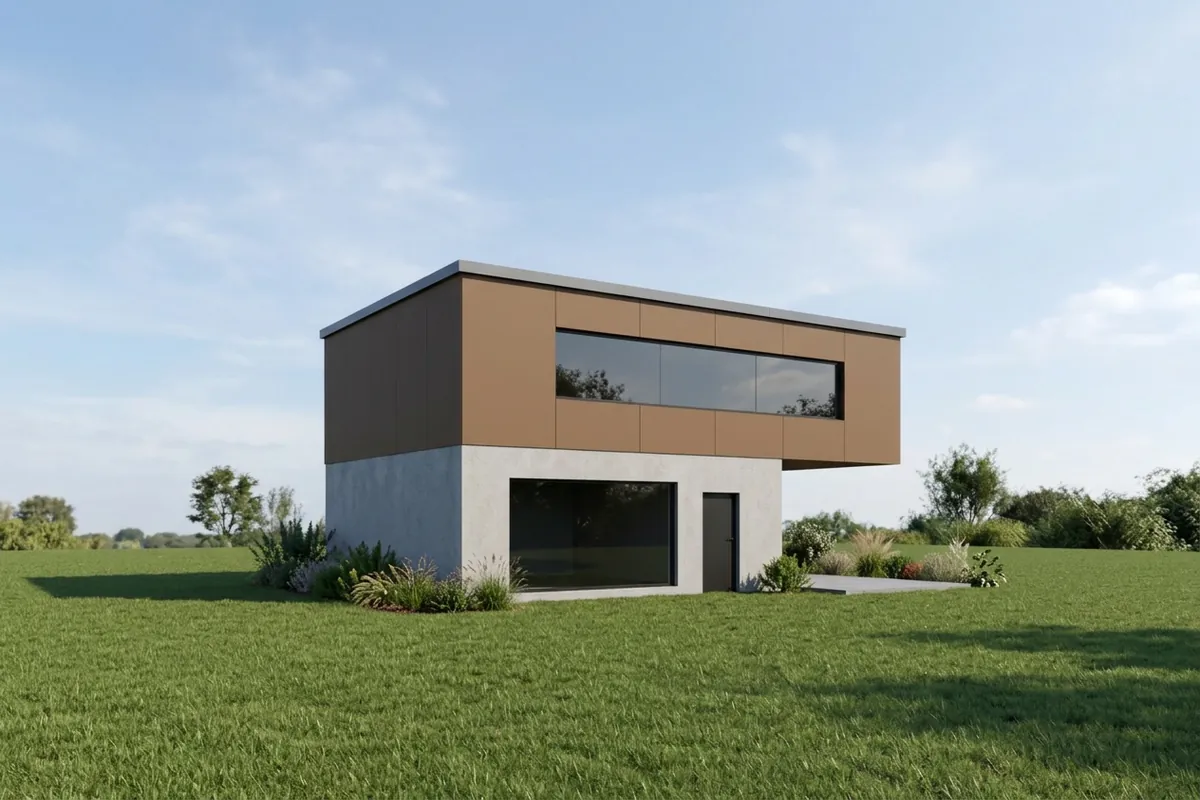
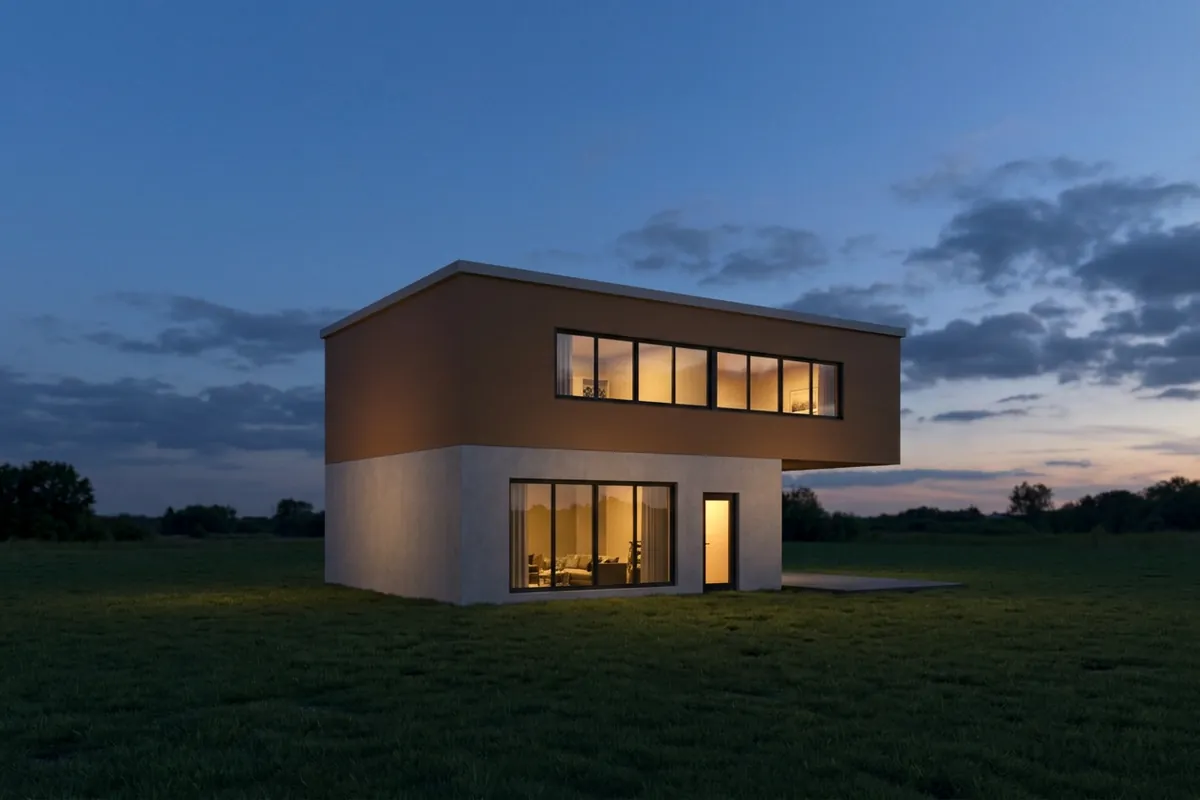
Day shows the materials clearly. Dusk turns the ribbon window into a lit line and shows the window mullions as glazing bars.
Courtyard house
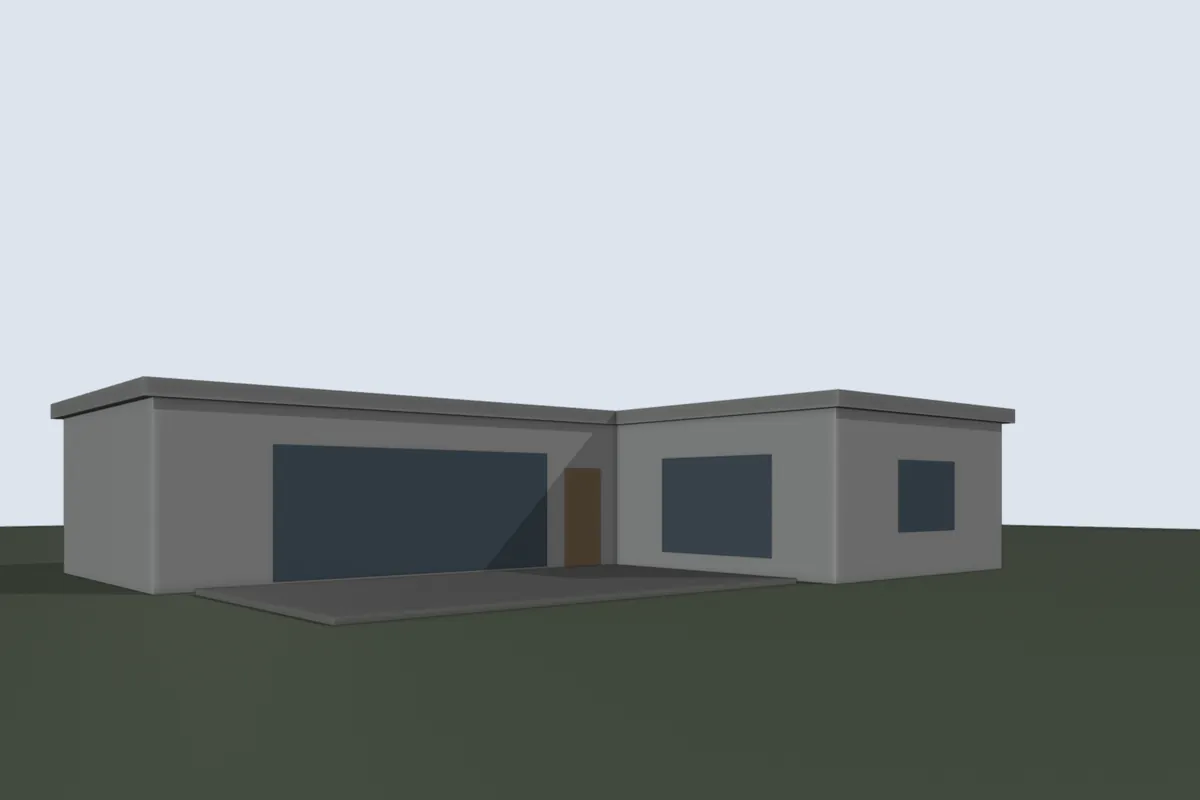
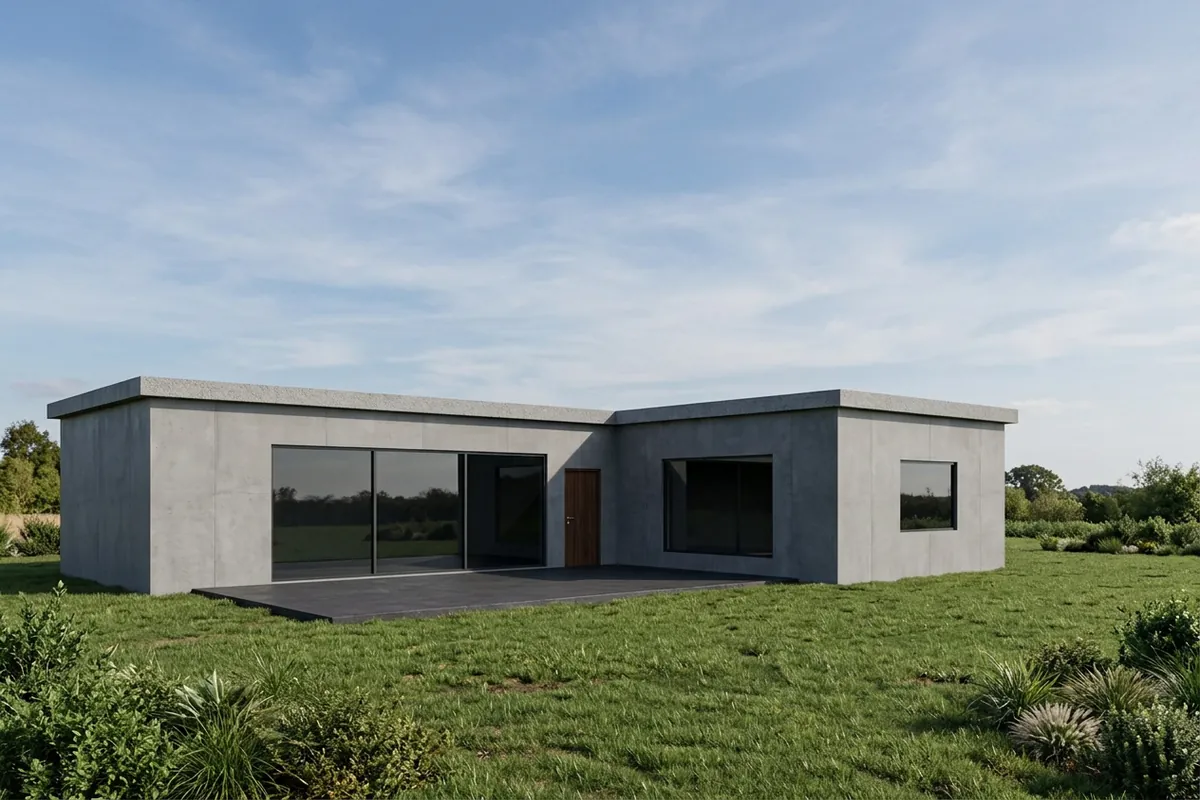
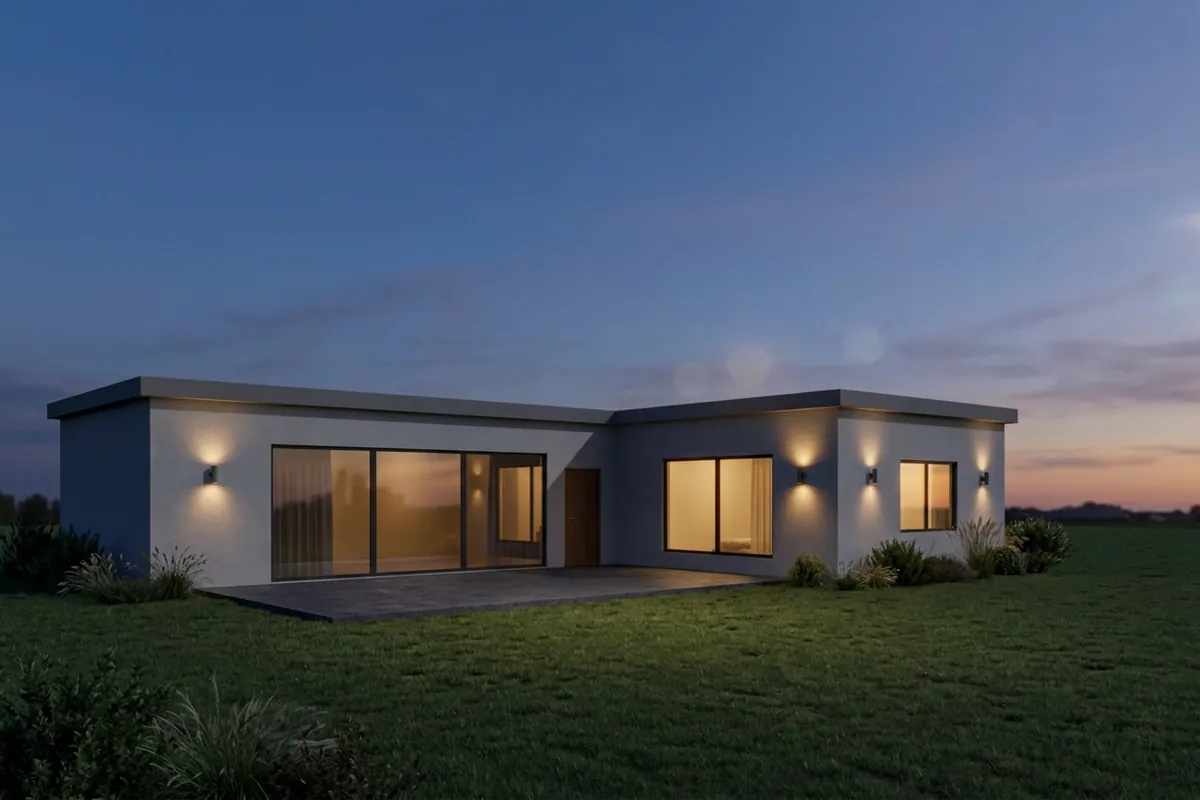
At dusk the model added wall lights beside the openings. Lights aren't geometry, but if your client will ask about them, decide on them before you send it.
School block
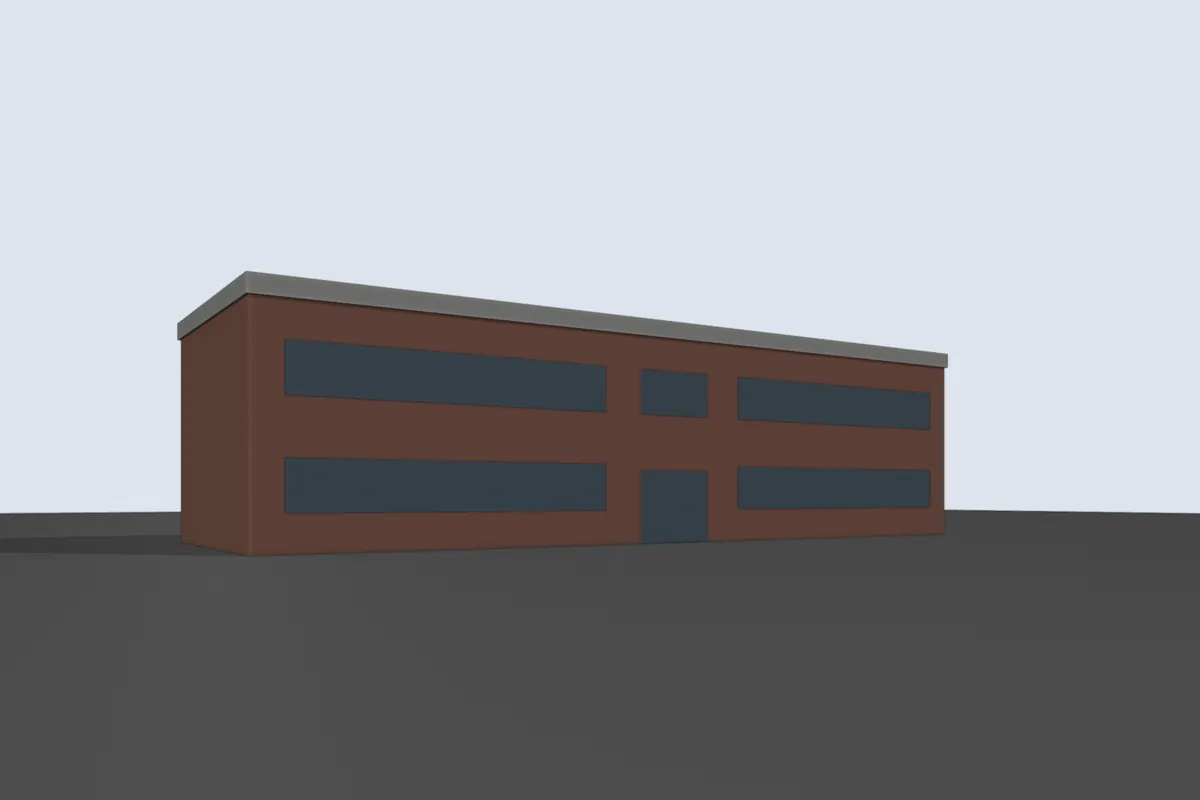

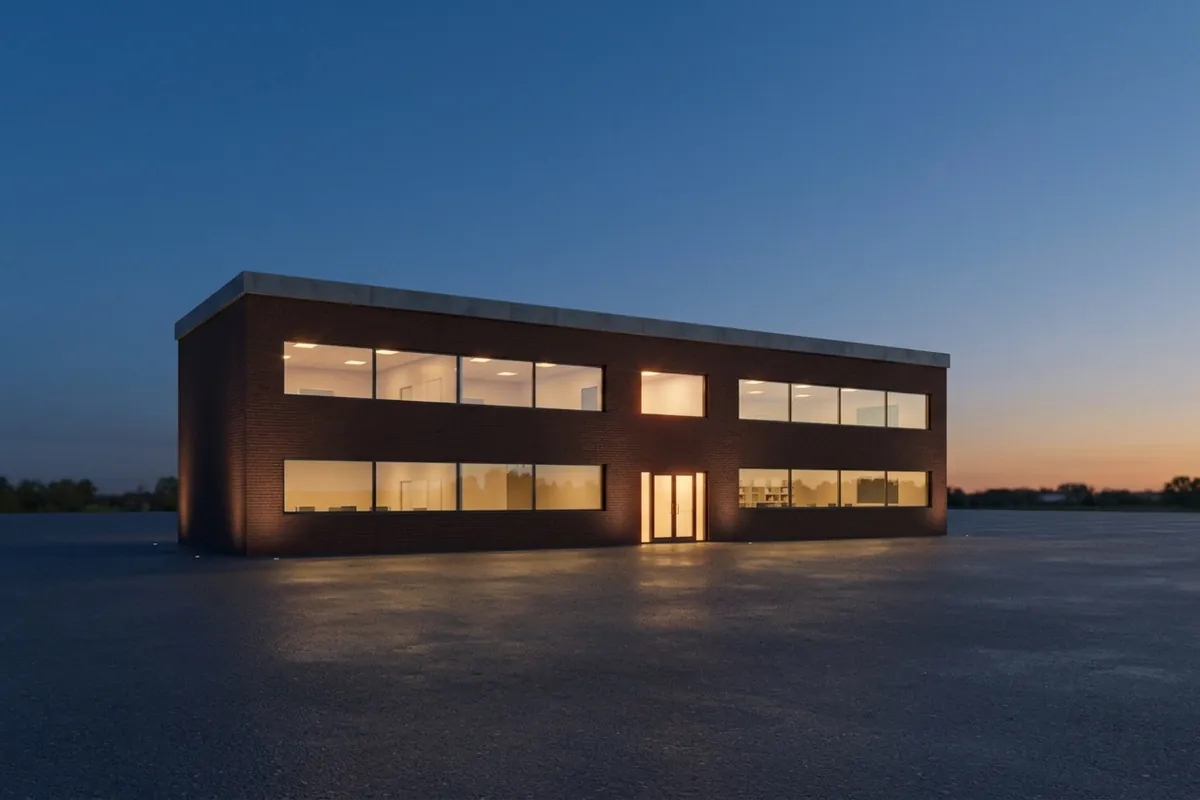
For larger buildings, dusk hides the facade texture and leaves the window pattern. Good for rhythm and scale, weaker for showing brick.
Interiors
Home office
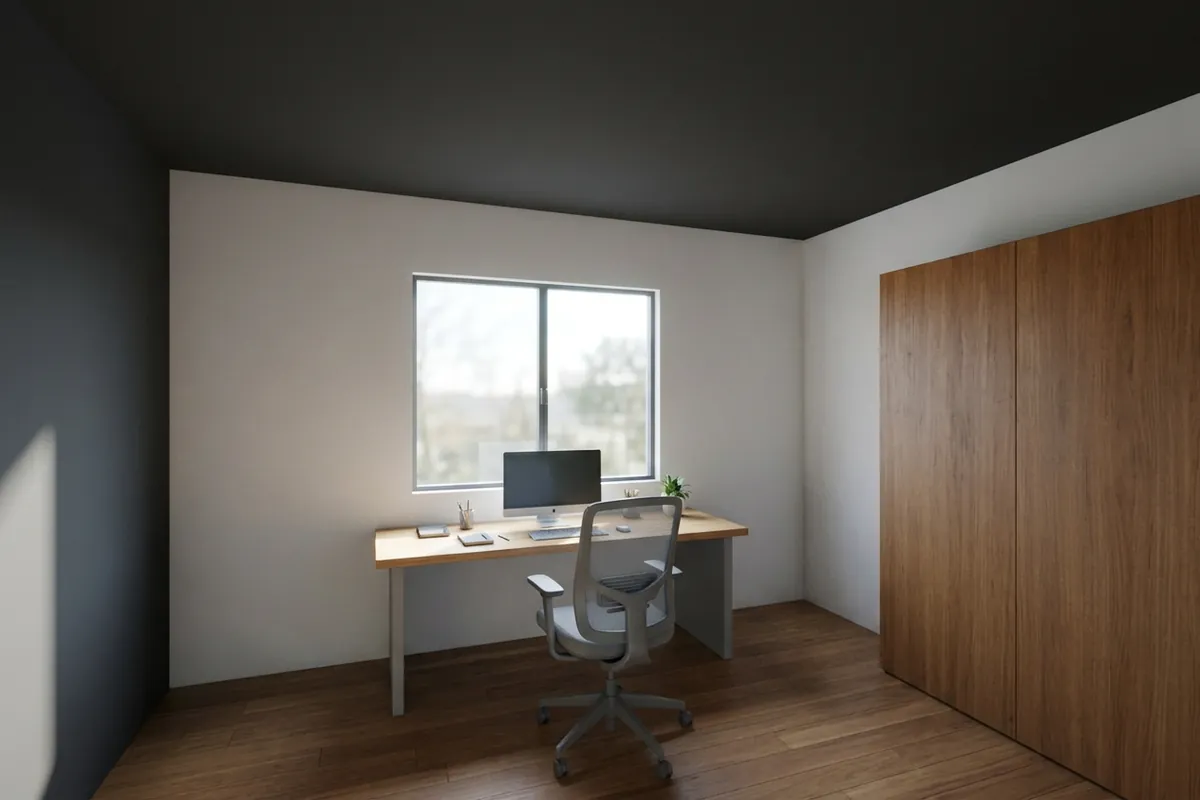
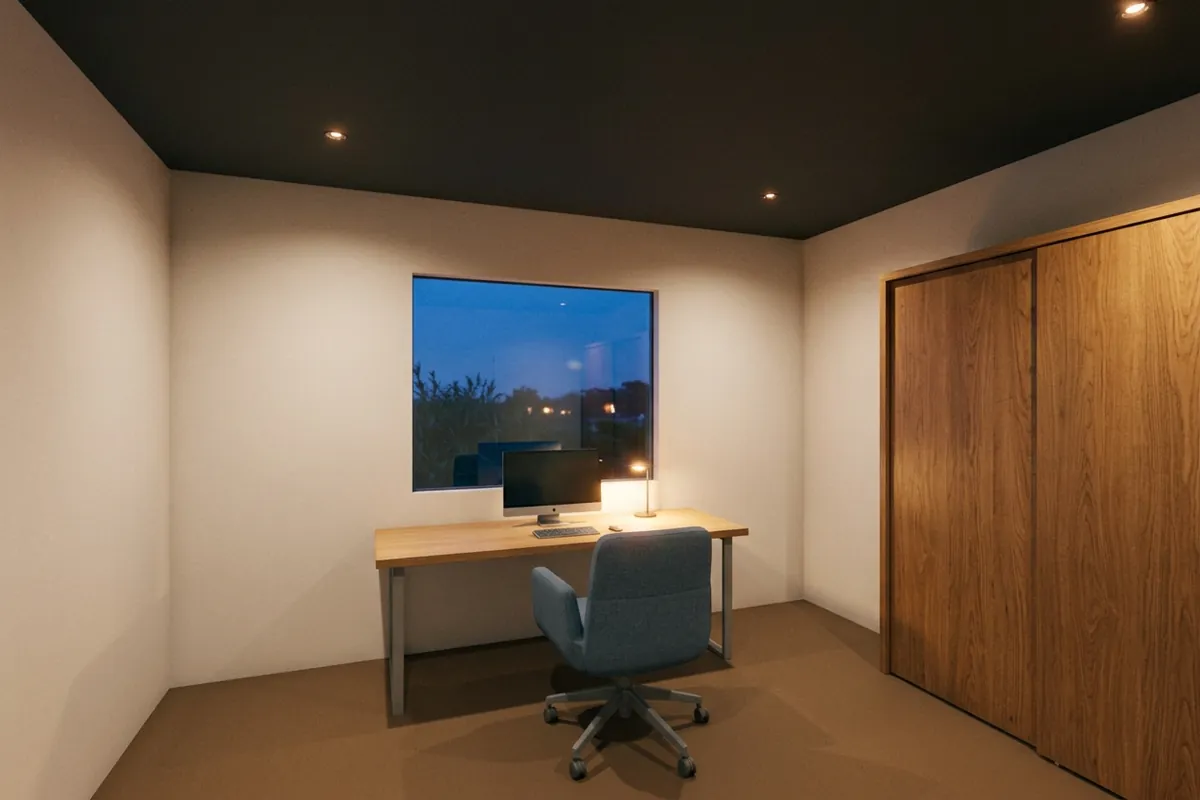
Dining room
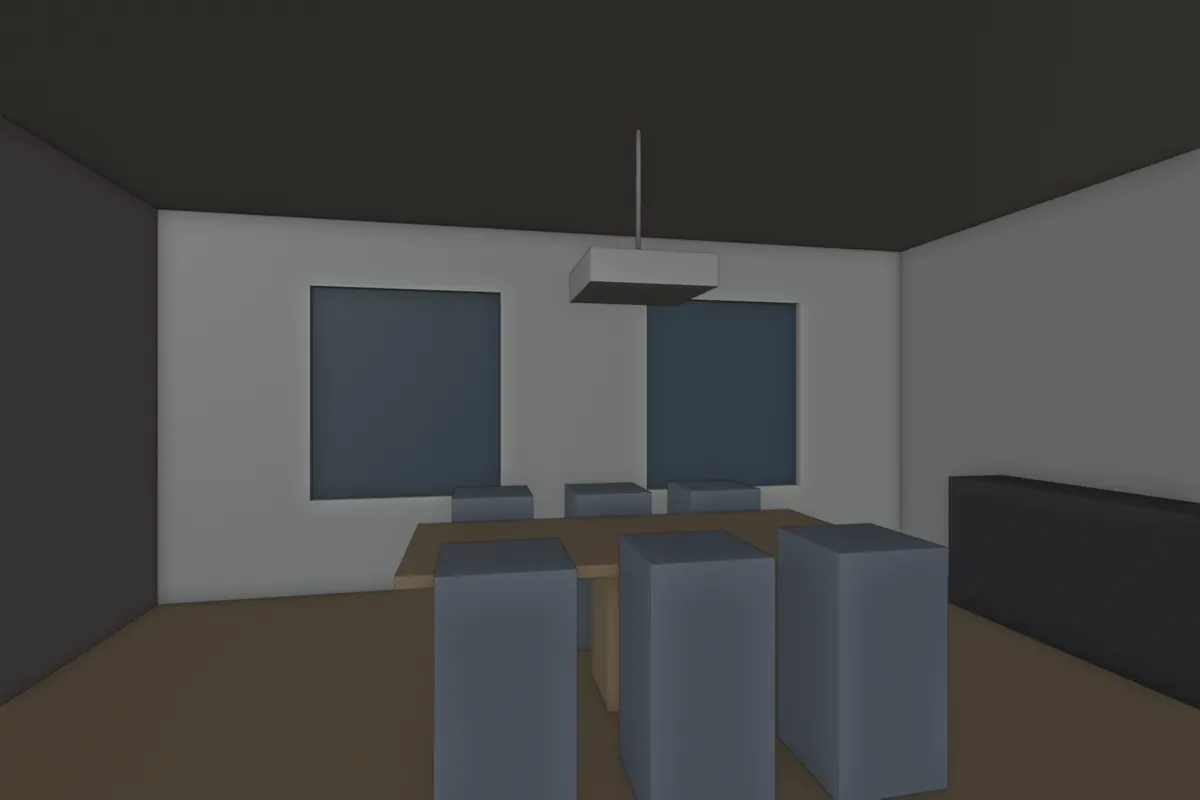
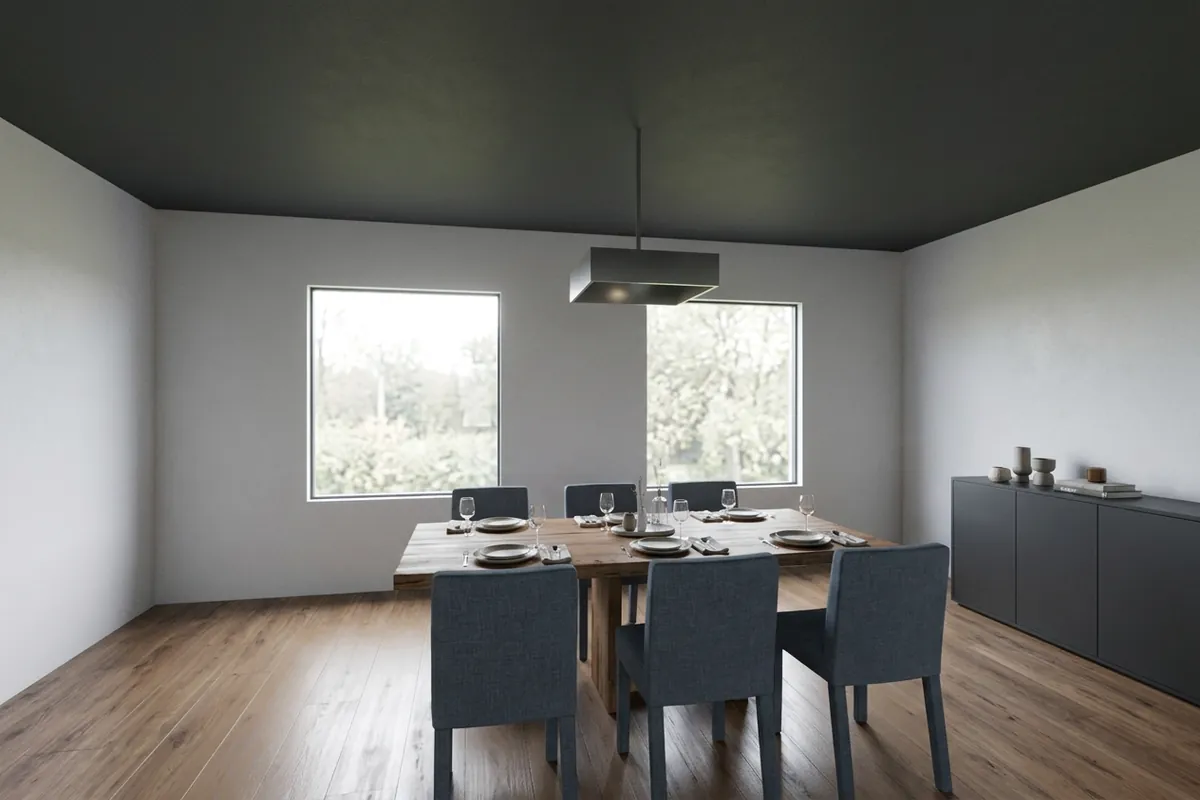
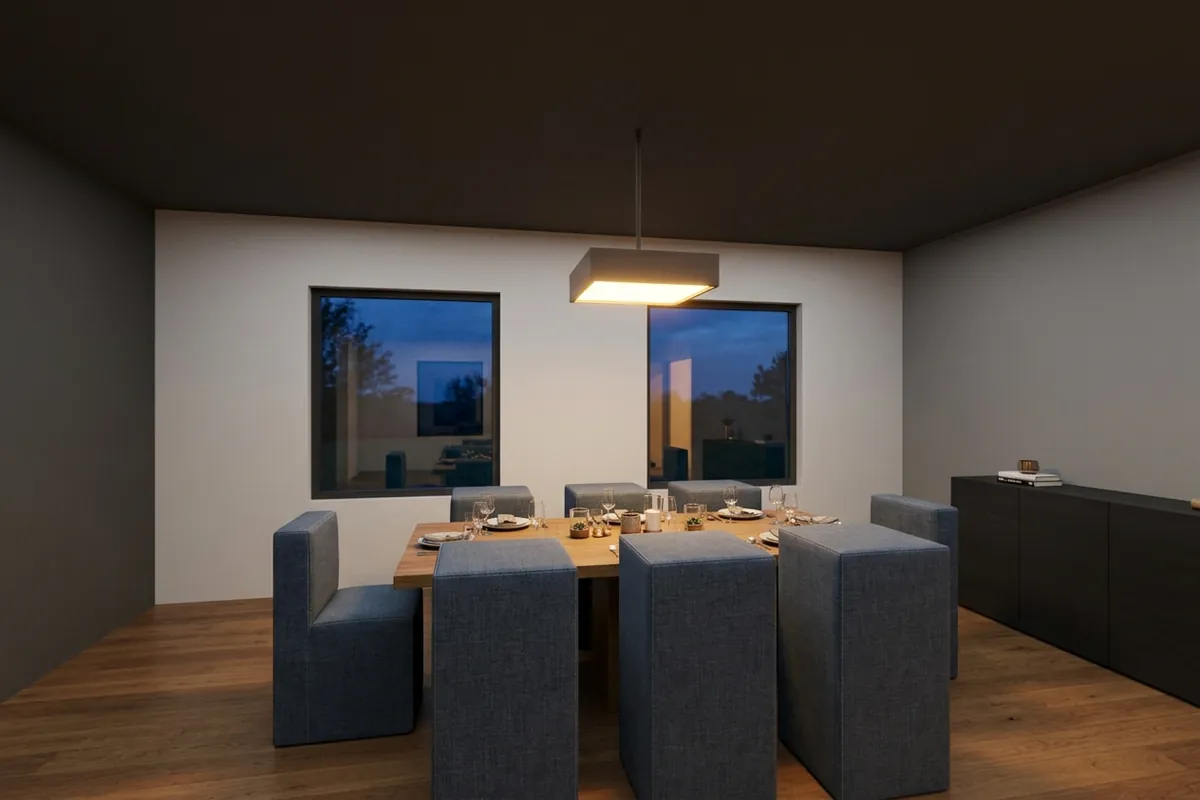
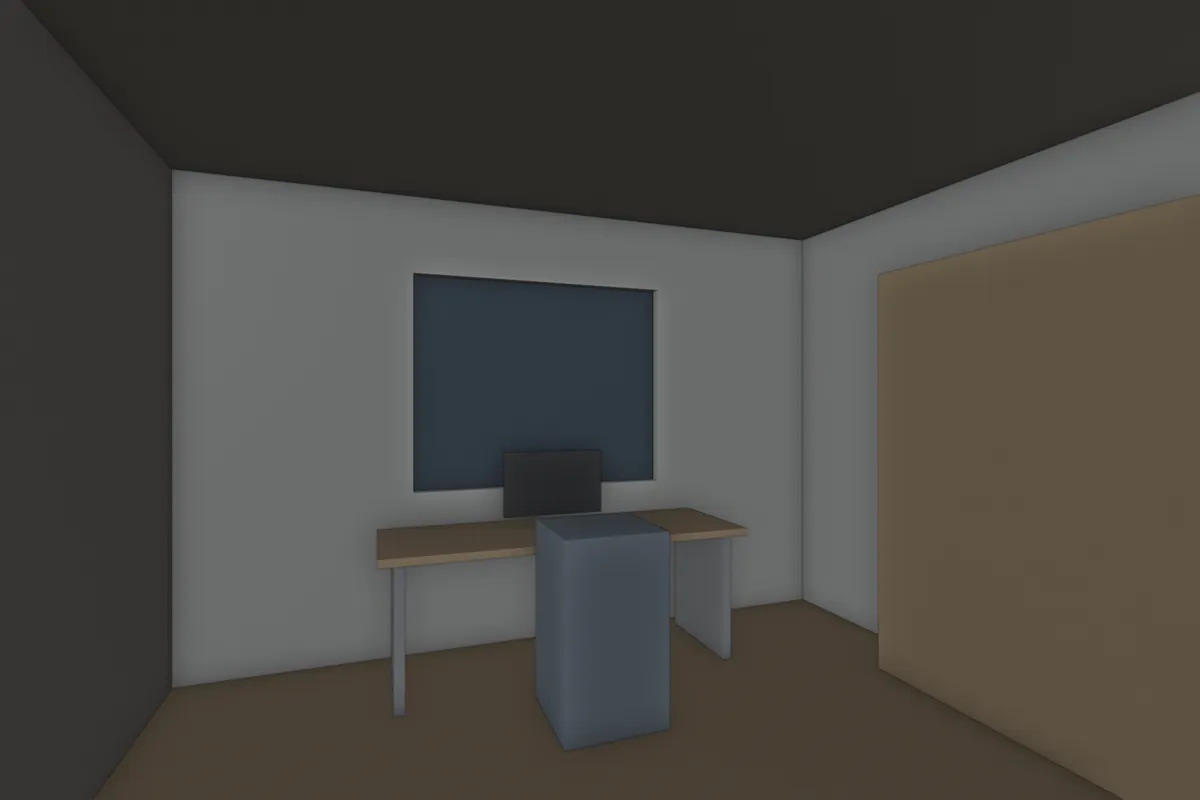
Indoors, dusk means artificial light. The pendant and downlights carry the image, so interiors at dusk look warmer and more finished. Day interiors show the window and the room's real daylight.
Which one to send
| Use day when | Use dusk when |
|---|---|
| The client needs to read materials and colours | Glazing and openings are the main idea |
| Landscape and context matter | You want one strong image for a pitch or a cover |
| It goes next to plans and elevations | The facade is plain and light makes it interesting |
When in doubt, render both. With the same camera they make a natural pair on one slide.
Day and dusk in a classic Blender scene
- Day. A Sun light at 30 to 50 degrees, coming from the side so the facade gets shadow. A Sky Texture in the World. Exposure around 0.
- Dusk. Sun just below the horizon or off, a deep blue sky colour or a dusk HDRI, and emissive planes or area lights inside the windows. Warm interiors against a cool sky is what makes the image. Expect long render times and noise, so turn on denoising.
An AI preset skips the lighting setup, but it decides the light for you.
Next up, how to prepare a clay model, or what an AI render can change.