Window glass in Blender that lets the sun in
You put physically correct glass in the window and the room goes dark. That's the most common glass problem in archviz, and it has a one-click fix. Here is the material, the fix, and what to do when the glass looks too clear or too dark.
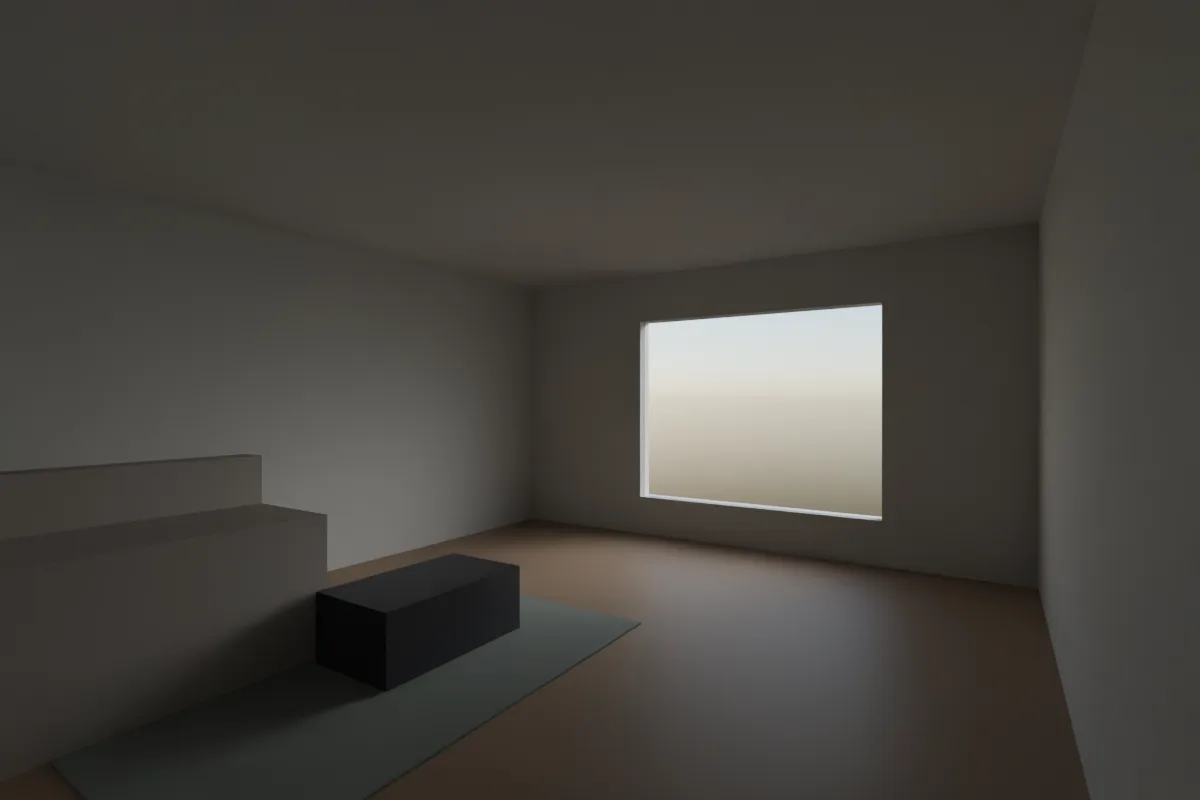
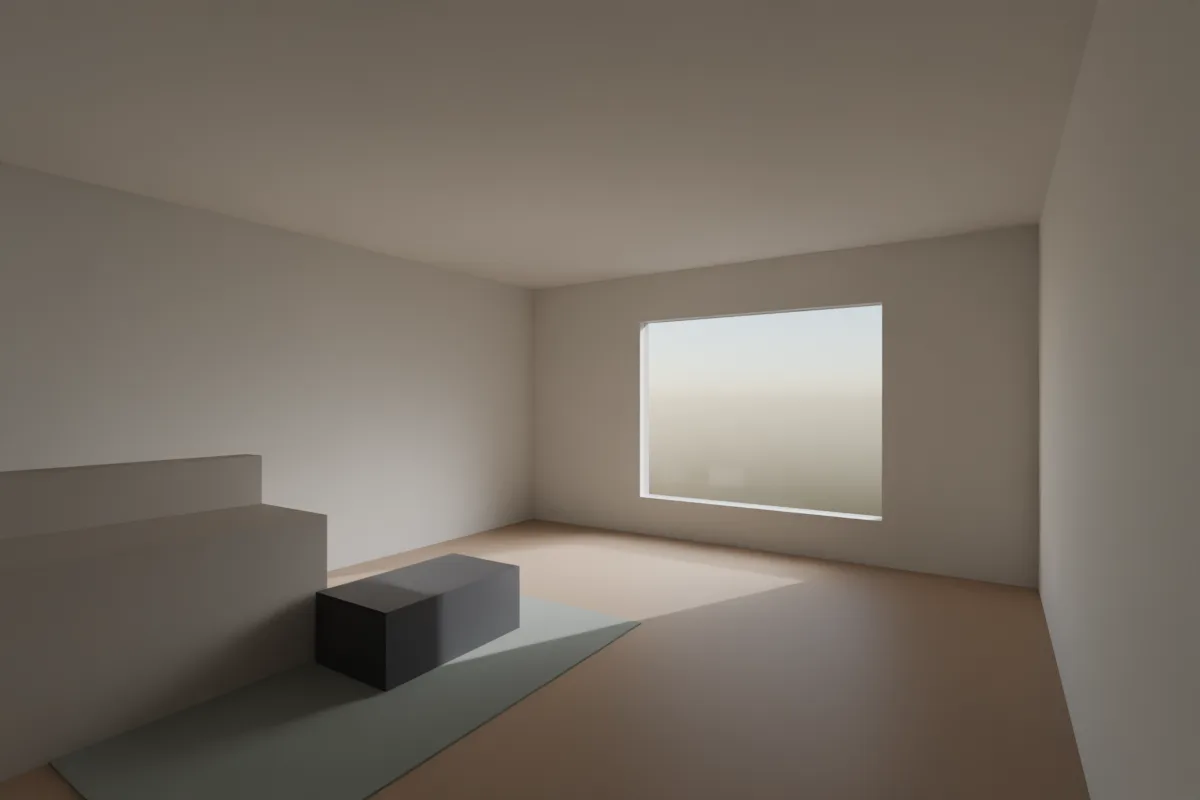
Our own test scene in Blender 4.5, Cycles. Same material, same sun. The only difference is one checkbox on the glass object.
1. The glass material
- Use a Principled BSDF. Set Transmission > Weight to 1 and Roughness to 0.
- Leave IOR at 1.5. The manual calls the default a good approximation for glass.
- Keep Base Color white, or a very pale green or blue for a tint. With transmission on, the base colour tints the light that passes through, so a strong colour darkens the room.
- Name the material "glass". It makes it easy to find later, and some tools (Partilock among them) look for it.
2. Let sunlight through
In Cycles, direct sunlight doesn't pass through a refractive surface, so the pane casts a shadow like a wall does. The fix that works in both engines from 4.2 on:
- Select the glass panes. Keep them as separate objects from the frames.
- Open Object Properties > Visibility > Ray Visibility.
- Untick Shadow.
The glass still shows reflections to the camera and simply stops casting shadows. The older node trick does the same per material in Cycles: a Light Path node's Is Shadow Ray drives a Mix Shader between your glass and a Transparent BSDF. The checkbox is simpler, and the manual notes ray visibility is also faster than a node setup.
3. Panes: give them thickness
A single plane with refraction has a way in but no way out, so the view through it can shift. Real panes are a few millimetres thick:
- Add a Solidify modifier to the pane with a thickness of a few millimetres, or model a thin box.
- In Blender 5.2, the Principled BSDF also has a Thin Wall option that treats the surface as a thin sheet. The manual lists window sheets as a use case.
4. More reflective glass
Face on, clear glass reflects only about 4% of the light, and much more at grazing angles. That's why a facade looks like a mirror from the side and see-through head on. To get stronger reflections:
- Give it something to reflect. An HDRI or a Sky Texture plus surrounding buildings or trees does more than any material setting.
- Keep it darker behind the glass. Reflections read best against an unlit interior, which is why daytime facades look reflective.
EEVEE settings (4.2 and later)
- In Render Properties, tick Raytracing.
- In the glass material's Settings, keep Render Method on Dithered and tick Raytraced Transmission.
- Set Thickness to Slab. The manual recommends it for glass panels. For a single-plane pane, plug 0 into the Material Output's Thickness so EEVEE treats it as one surface.
- The Shadow checkbox from step 2 works in EEVEE too.
If the windows render black
- The pane is casting a shadow and the room has no other light. Do step 2.
- If you lowered Transmission bounces under Light Paths to save time, several panes in a row (double glazing, a glass door behind a window) can run out of them and render black. The default is 12.
- Glass reflects what's outside. With no World lighting, there's nothing to see, so add a sky or HDRI.
Or render it in one click
If the glass only has to read as glass in a concept image, Partilock, the Blender add-on we build (macOS), sends the camera view to an AI image model and returns the image in about a minute. A real 2K render, unretouched:
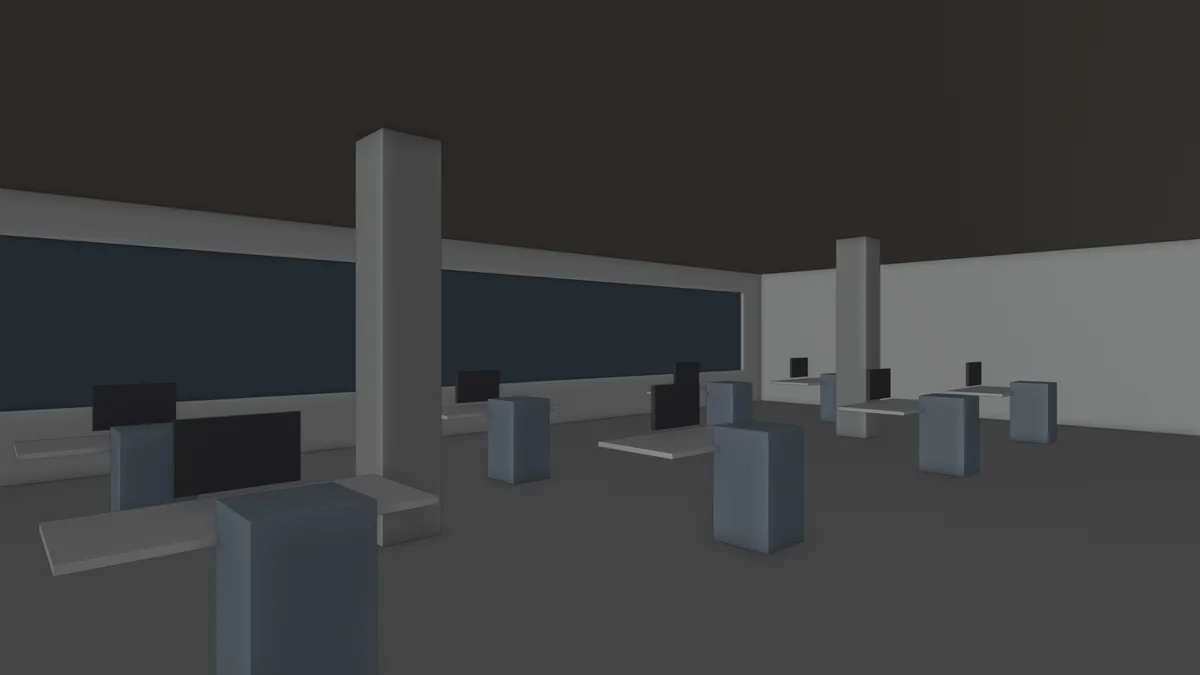
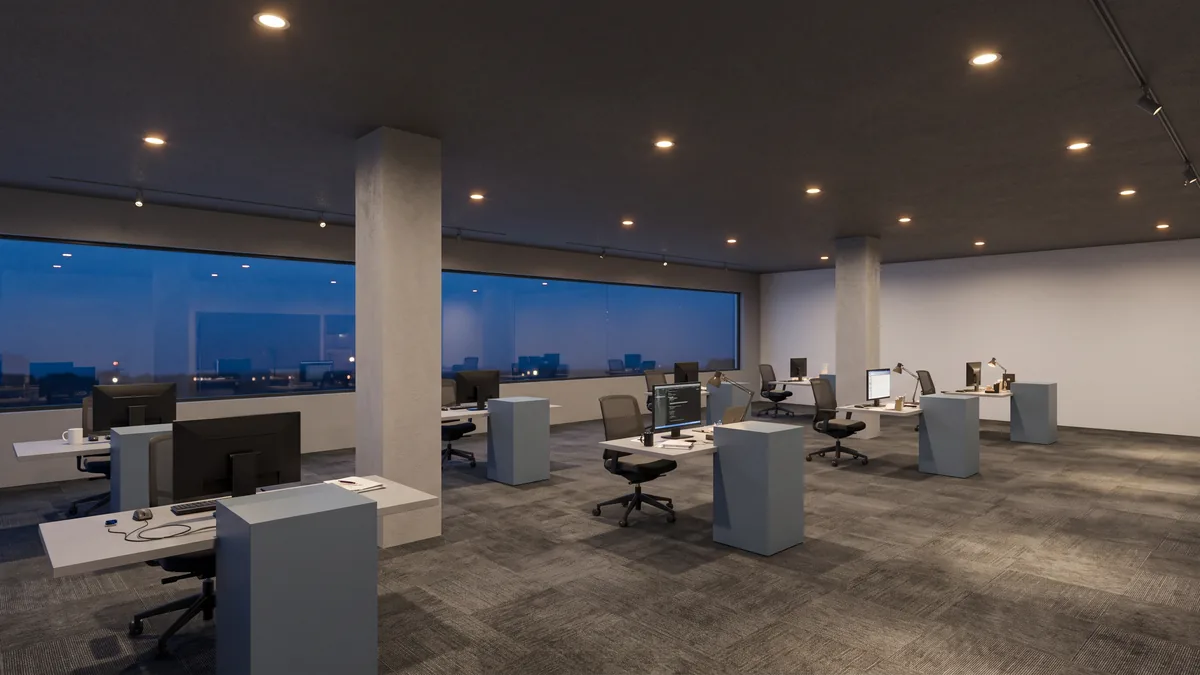
The long window band came back as glazing with a city view behind it. Partilock counts materials named "glass" or using transmission as openings and checks they're still there. Note the ceiling downlights and track lights: they aren't in the model, which is the kind of addition to check for.
It's an image, not geometry, and it can add small fittings, so check it before a client sees it. 2 free renders to try (1K, watermarked), then 2K from $9 for 18. Install guide, pricing.
Next up, lighting the room behind the glass, or lit windows at dusk.